
There is a long-held myth in the UV printing industry: you have to choose between sharp detail and fast production. In reality, most shops sacrifice speed unnecessarily because they run default factory settings instead of tuning the machine for their specific work. Modern industrial UV flatbed printers can deliver both photographic detail and high throughput — when configured correctly.
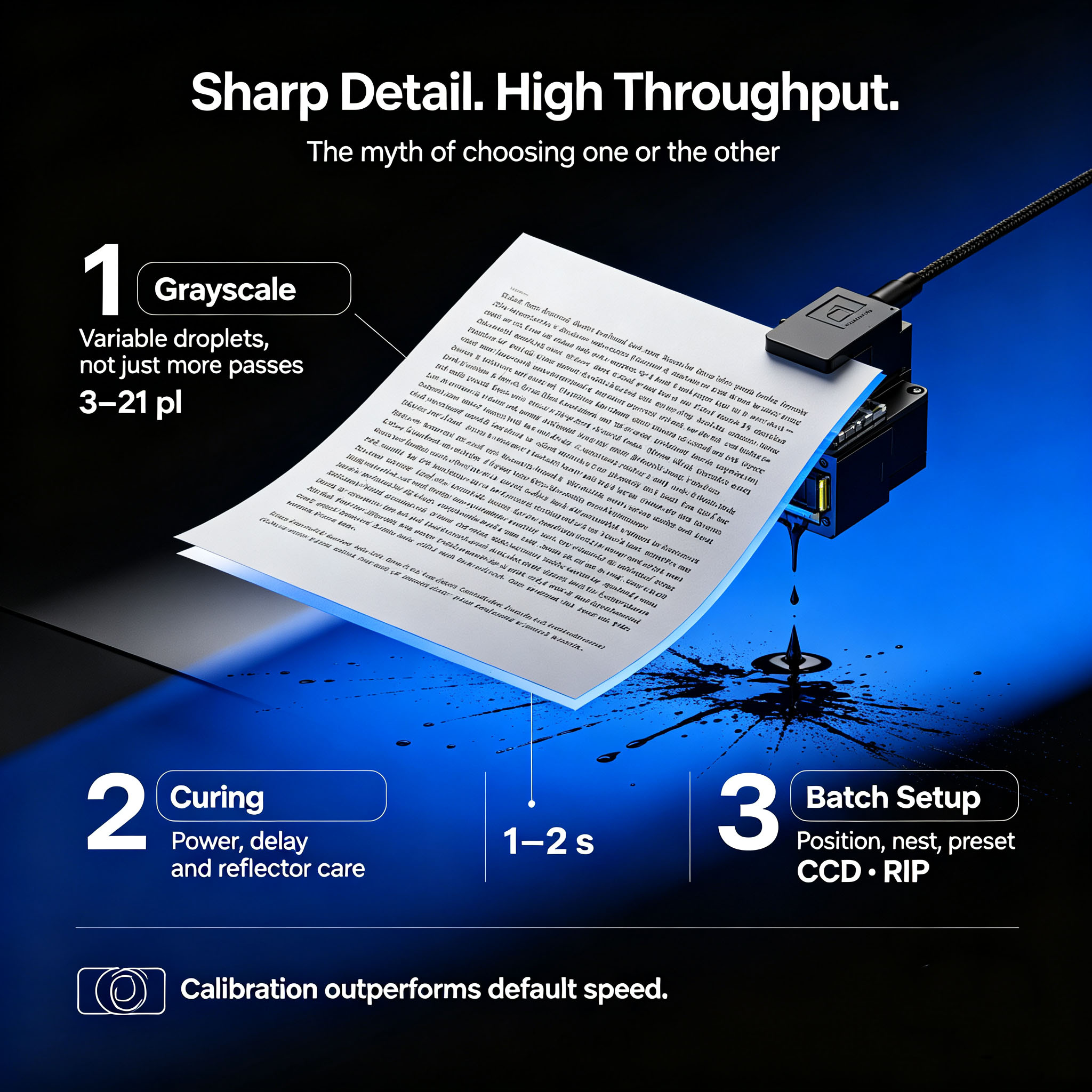
Grayscale Droplet Control: More Than Just More Passes
Many operators assume finer detail means more print passes. In fact, variable grayscale printheads like the Ricoh Gen6 and Epson i3200-U1 produce smoother gradients and sharper small text through variable droplet size, not sheer pass count.
A 6-level grayscale head can lay down droplets from 3 pl to 21 pl in a single pass. For fine text and line work, the machine uses only small droplets for edge sharpness; for solid color fills, it uses larger droplets for coverage. This is why a properly calibrated 4-pass print with grayscale control looks better than an 8-pass print run in fixed-droplet mode.
Close-up: 5mm text printed with grayscale variable droplet technology, showing clean edge definition without jagged lines
Curing System Tuning: The Hidden Productivity Bottleneck
Curing speed is almost always the real limit on production speed, not printhead speed. Run the UV lamps too low, and ink remains tacky and smudges on stack. Run them too high, and ink becomes brittle, cracks when cut and causes excessive nozzle clogging.
Optimization rules:
• Match lamp power to ink layer thickness: thin color passes need lower power; thick white and varnish passes need higher power
• Keep a 1–2 second delay between print and cure for proper ink leveling
• Clean lamp reflectors weekly — dirty reflectors can reduce effective curing power by 30% or more
Batch Production Setup: Cut Downtime Between Jobs
For high-volume flatbed shops, setup time between jobs eats into output far more than print speed itself.
Efficiency tips:
• Use pin registration or CCD visual positioning for fast substrate loading
• Nest multiple small parts on one bed to maximize area usage and reduce bed changeovers
• Save material-specific presets in the RIP software so operators load one profile instead of adjusting 10+ parameters every time
Production floor: Industrial UV flatbed running nested batch production with CCD auto-positioning system
At the end of the day, a UV flatbed printer is only as good as the process running on it. Shops that invest time in calibration, profile building and operator training consistently outproduce shops that simply buy a higher-spec machine and run it on default settings.
Post time: Sep-17-2026


