
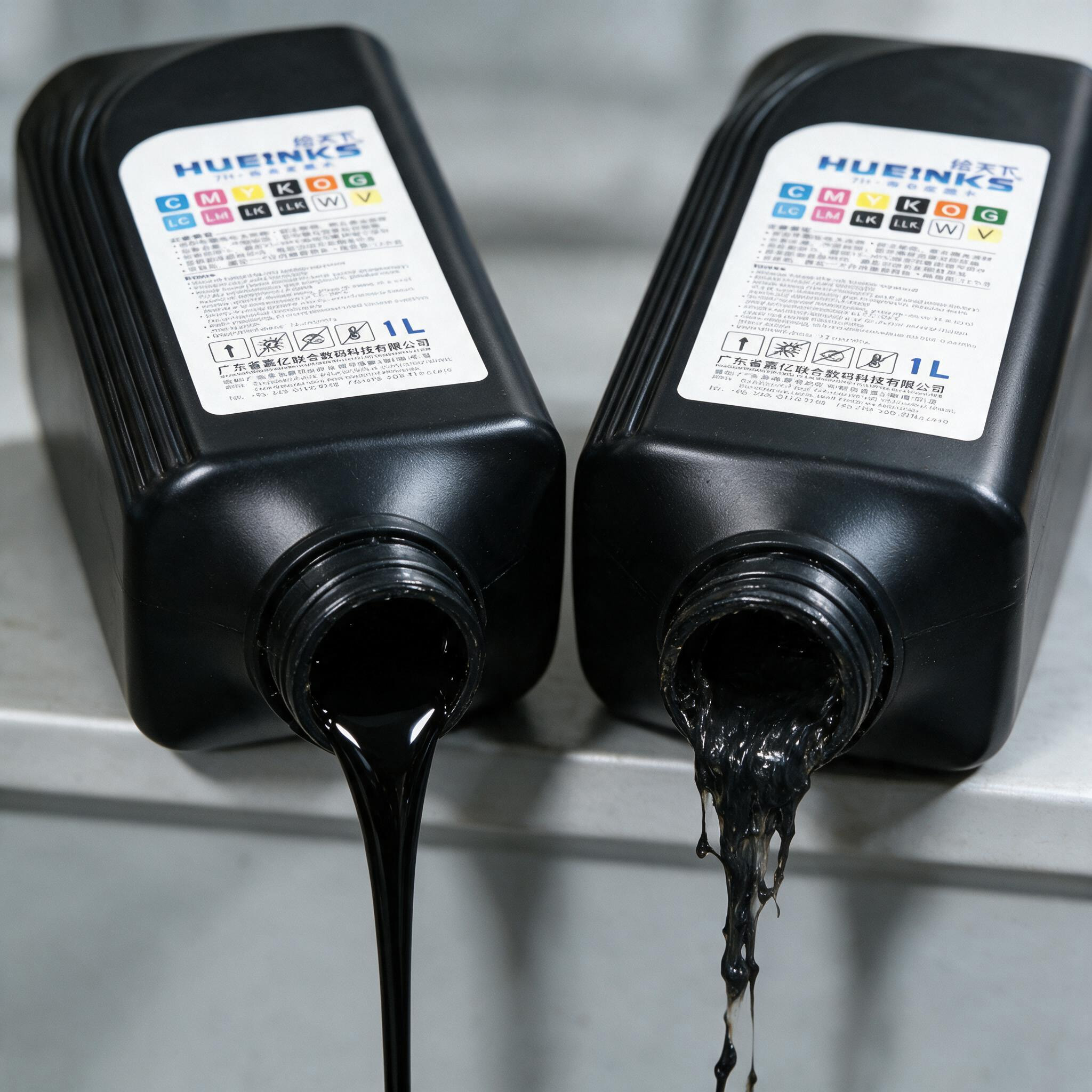
UV ink thickening is one of those problems that looks like a printhead issue but usually isn’t. Before you start running cleaning cycles, check the ink itself. If it’s past its expiry date, stop — expired UV ink cannot be recovered, and running it through the machine risks a clogged head and a costly repair. If it’s still within shelf life, temperature is the usual culprit, and most cases can be brought back.
Why UV ink thickens
Cold is the most common cause. Below roughly 15°C, UV ink viscosity rises and flow drops, which shows up as poor dot formation and inconsistent coverage. Heat is the opposite problem but just as damaging: prolonged exposure above about 30°C can separate or polymerize the ink’s components, and once that happens the ink will clog nozzles rather than print.
Storage is the third factor. Ink left in sunlight or in a container that isn’t properly sealed oxidizes and evaporates faster than it should, and the viscosity climbs well before the expiry date on the label.
Bringing it back
Temperature first. For cold-thickened ink, let it sit in a 20–25°C room for 24 hours. Do not heat it directly — no hot water baths, no microwaves. If your workshop runs cold, a drum heater jacket or a controlled room temperature keeps ink stable through the shift. For ink that has been sitting in heat, move it out of direct sunlight and store it in insulated containers.
Then agitate. Sediment settles, and gentle mixing redistributes it. A dedicated ink stirrer or a slow manual shake is enough — avoid vigorous shaking, which introduces air bubbles that cause their own printing problems.
Filter if there’s particulate. Ink that shows visible particles can be run through a 1–5 μm filter before use. This is a stopgap, not a fix — if the ink is producing particulate, something has already changed in its chemistry.
Adjust the machine if needed. Higher-viscosity ink can sometimes be accommodated by raising printhead voltage or lowering firing frequency, but check your equipment manual first. And if the lines have been sitting with thickened ink in them, flush the system with the manufacturer’s cleaning solution before running production.
Test a small sample. Print a test piece and check adhesion, curing and color before committing a full batch. Also confirm the ink matches your substrate — PVC, glass and coated panels all behave differently, and a chemistry mismatch can look like a viscosity problem.
Keeping it from happening again
Store ink between 15 and 28°C, out of sunlight, in sealed containers. Use older batches first — UV ink typically has a 6–12 month shelf life, and the date on the drum matters more than people assume. If a drum is going to sit, give it a gentle shake once a week.
Two things to avoid: never mix different brands or models of ink, since incompatible chemistry can gel in the lines; and never heat ink directly to “loosen it up,” which damages the formulation permanently.
A note on ink supply
Filters remove particulate before it reaches the head, and a dedicated negative-pressure ink supply system keeps flow steady during long runs — both make a measurable difference to how well ink performs at temperature extremes. OSNUO’s UV inkjet printers ship with an independent negative-pressure ink supply system as standard, which helps hold consistent delivery through continuous production and reduces the viscosity-related problems that show up mid-shift.
If thickening persists after all of the above, the ink batch itself is the likely cause. Replacing it is cheaper than replacing a printhead.
Post time: Oct-20-2026


